Facebook Group Post Image Sizes in 2026: A Sourced Cheat Sheet
- Facebook groups
- Images and video
- Posting
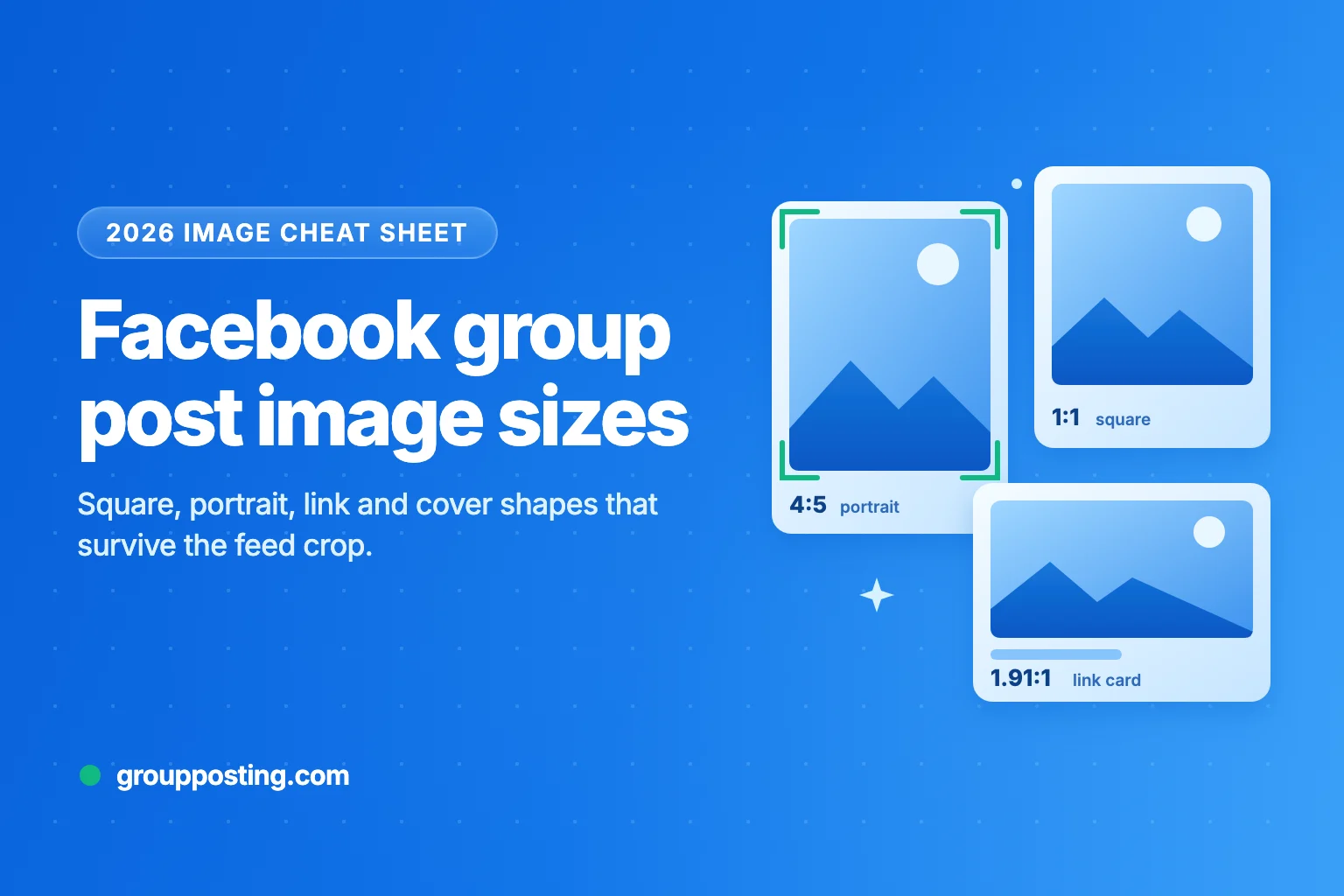
For a photo in a Facebook group post, use a 4:5 portrait image at 1440 × 1800 pixels, or a 1:1 square at 1080 × 1080 pixels when you are unsure. Use 1200 × 630 pixels for the image that appears when you share a link, and 1640 × 856 pixels for a group cover photo. Vertical video works best at 1080 × 1920 pixels.
One thing most size guides leave out: Meta publishes no official size for an ordinary photo in a post or a group post. The figures above come from Meta’s ad and developer documentation, which is the closest official guidance. This cheat sheet marks every figure as official, a Meta ad spec used as a stand-in, or third-party advice, so you know how much weight each one carries.
All sources were checked on 27 October 2026. For the writing side of a group post, see our guide to writing Facebook group posts.
1. The cheat sheet
| Use | Size | Shape | Basis |
|---|---|---|---|
| Photo, portrait (phone-first) | 1440 × 1800 px | 4:5 | Meta ad spec, used as a stand-in |
| Photo, square | 1080 × 1080 px or larger | 1:1 | Meta ad guidance, used as a stand-in |
| Photo, landscape | 1200 × 630 px | 1.91:1 | Meta’s link-image shape, used as a stand-in |
| Link preview image | 1200 × 630 px (at least 600 × 315) | 1.91:1 | Official (Meta for Developers) |
| Group cover photo | 1640 × 856 px | 1.91:1 | Official (Facebook Help Center) |
| Vertical video or Reel | 1080 × 1920 px | 9:16 | Official (Meta Reels documentation) |
| Text post with a coloured background | About 130 characters | Text only | Third-party; Meta publishes no limit |
| Page profile picture | 320 × 320 px | 1:1, shown as a circle | Official (Facebook Help Center) |
The shape matters more than the exact pixel count. Facebook scales your image to fit each screen, so a 4:5 image at 1080 × 1350 pixels displays in the same shape as one at 1440 × 1800. The larger file simply gives Facebook more detail to work with.
2. Photos in group posts
Shape. Meta’s Business Help Center says both 1:1 and 4:5 are supported for Feed images, and that “vertical 4:5 is recommended” for single-image ads in Facebook Feed (Meta: aspect ratio best practices). Those pages are about ads, but group posts appear in the same Feed on the same phones. A 4:5 portrait image fills 25% more height than a square of the same width, which is why it works well for product photos, before-and-after shots and event posters.
Resolution. Meta’s Ads Guide lists 1440 × 1800 pixels for a 4:5 Feed image, with a minimum width of 600 pixels (Meta Ads Guide). For a square, Meta’s minimum-pixel guidance is 1080 × 1080 and it recommends “the highest resolution images available” (Meta Business Help). Landscape photos still upload. They just take less space on a phone screen.
File type and weight. Facebook’s Help Center recommends JPEG, BMP, PNG, GIF or TIFF, photos under 15 MB and PNG files below 1 MB, because larger PNGs “may appear pixelated” (Facebook Help Center). That page is old, but it is the only official file guidance for ordinary photos. Meta does not document WEBP or HEIC uploads, so export JPEG for photos and PNG for graphics with text or logos.
The 720, 960 and 2048 pixel myth. Many guides say Facebook resizes photos to 720, 960 or 2048 pixels wide. No current Meta page says this. The only Facebook source we found is a 2010 announcement that stored photos would grow to 2048 pixels on the longest edge (Digit, 2010). Keep your long edge at 2048 pixels or less if you like, but treat it as habit, not a rule.
3. Several photos in one post
When you add several photos, Facebook arranges them into a collage automatically. Meta does not document the layouts, and third-party guides disagree on the grid, the “+N” overlay and how many photos a post can hold. Expect the layout to vary by device and to change over time.
Three habits help whatever the layout. Use the same shape for every photo so the collage stays tidy. Lead with your strongest image. Keep any text on the photos large, because collage tiles are small on a phone.
4. Link preview images
When you paste a link into a group post, Facebook builds a preview card from the page’s Open Graph tags. This is one area where Meta publishes clear numbers (Meta for Developers: images in link shares):
- Use images of at least 1200 × 630 pixels for the best display on high-resolution screens.
- Use at least 600 × 315 pixels to get the large preview card. Smaller images still show, but much smaller.
- The absolute minimum is 200 × 200 pixels, and the file must not exceed 8 MB.
- Keep close to a 1.91:1 ratio to show the full image without cropping.
If the wrong image shows up, the cause is usually caching. Meta caches images by URL, so a replaced image only appears if it has a new URL, and old shares keep the old preview. Upload the new image under a new file name, update the page’s og:image tag, then open Meta’s Sharing Debugger to fetch the page again before you post. If you share UTM-tagged links, build them with our UTM builder and run the final URL through the debugger once.
5. Group cover photo
Facebook’s Help Center says the recommended group cover size is 1,640 × 856 pixels, a 1.91:1 ratio, and that only admins can change it (Facebook Help Center). Meta also warns that visitors may not see the entire image on a phone and suggests keeping important information out of the grey areas shown in the cover editor.
Guides disagree on which screen crops the cover. Meta says phones may not show it all, while Jon Loomer’s testing found that desktop trims the top and bottom. The safe approach covers both: design at 1640 × 856, keep faces and words in the middle, and check the preview on a phone and a computer after saving.
6. Video and Reels
Facebook changed video in 2025. Meta’s Help Center now says “all videos you post on Facebook (except Stories and Live) are now Reels”, and that reels can be any length and any aspect ratio (Facebook Help Center). For a vertical video, 9:16 at 1080 × 1920 pixels is the size Meta’s Reels documentation recommends (Meta for Developers).
- Phone-first clips: 9:16 at 1080 × 1920, MP4.
- Feed-style clips: 4:5 still works. Meta’s ad documentation lists 1440 × 1800 for Feed video and files up to 4 GB.
- In groups: Meta says creating a reel inside a group is available on mobile devices, not on computers (Facebook Help Center). If you can’t see a photo or video option, the admins may not allow that post type in the group.
7. Coloured-background text posts
Text posts with a coloured background are allowed in groups but not on Pages, and they only work for text: adding a photo, video or link removes the background (Facebook Help Center). Meta publishes no character limit. Scheduling tools and guides widely report a cut-off of about 130 characters, so keep background posts short: one question, one tip or one announcement.
Facebook also says short text posts may appear in a larger font in Feed, even without a background (Facebook Help Center).
8. Text on images and alt text
The 20% rule is gone. Meta used to limit text in ad images. Its Business Help Center now says there is “no longer a limit on the amount of text” in ad images, and the old text overlay tool has been retired (Meta Business Help). That rule never applied to ordinary group posts. The real limit is readability: text that looks fine on a laptop can be unreadable in a phone collage. Use a few large words and keep the detail in your caption.
Alt text. If you don’t add a description, Facebook generates automatic alt text, which may be incomplete. You can replace it before posting by editing the photo and choosing alternative text, or afterwards from the photo’s options menu (Facebook Help Center). A one-line description, such as “Before and after of a deep-cleaned oven”, helps members who use screen readers.
9. Keep images sharp
- Export at the final shape. Crop to 4:5 or 1:1 yourself rather than letting Facebook crop for you.
- Use the right format. JPEG for photos; PNG for graphics with text or logos. Meta suggests PNG for logos and text on Page profile and cover images (Facebook Help Center).
- Check upload quality on your phone. The Facebook app has an HD upload setting for photos and videos. Its name and location change between app versions, so look under Settings and privacy, then Media.
- Expect recompression. Facebook recompresses uploads, and a third-party test found that it removes most camera and location data from the public copy (ExifData, August 2025). Keep your originals.
- Preview before you post widely. Post once, check it on a phone, then reuse the same file. If an upload fails or a post never appears, our guide to failed Facebook group posts lists the usual causes.
10. Posting one image to many groups
Check each group’s rules before you post. Many groups ban promotional graphics, limit links or allow promotion only on certain days. Our guide to Facebook group rules covers what to look for, and the free group post checklist runs through it before each post.
The image can stay the same across groups. The words around it should change. The same caption repeated across many groups reads like spam to admins and members, and it is a common trigger for duplicate-content checks. Our guide on avoiding duplicate post flags explains why, and the free spintax generator helps you write variations.
If you post to many groups each week, Group Posting lets you compose a post once with text, images or links, choose your groups and send it one group at a time from your own browser, with paced delays between groups. On Pro plans, AI variations can vary the wording for each group while keeping the image, offer and link unchanged. For the full workflow, read how to post to multiple Facebook groups, and for timing, our guide to the best time to post on Facebook.
Frequently asked questions
What size should a Facebook group post image be?
Use 1440 × 1800 pixels at a 4:5 ratio for portrait images, or 1080 × 1080 pixels for squares. Meta publishes no size for ordinary group posts, so these figures come from its Feed ad guidance, the closest official reference.
What is the Facebook group cover photo size?
Facebook recommends 1,640 × 856 pixels, a 1.91:1 ratio. Only group admins can change it. Keep faces and text in the centre, because the edges may be cropped on some screens.
What is the best aspect ratio for Facebook posts on mobile?
4:5 portrait takes the most vertical space for a photo in Feed, 25% more than a square of the same width. Meta recommends 4:5 for single-image Facebook Feed ads. For vertical video, use 9:16.
Why does my Facebook link preview show the wrong image?
Facebook caches link images by URL. Upload the new image with a new file name, update the og:image tag, then use Meta’s Sharing Debugger to fetch the page again. Previews in older posts will not change.
Does Facebook still have the 20% text rule for images?
No. The 20% rule was an ad rule, and Meta says there is no longer a limit on text in ad images. It never applied to ordinary group posts, but large, short text is still easier to read on phones.
Sources
- Meta for Developers: images in link shares, checked 27 October 2026.
- Facebook Help Center: group cover photos, checked 27 October 2026.
- Meta Business Help: aspect ratio best practices, checked 27 October 2026.
- Meta Ads Guide: Facebook Feed image specs, checked 27 October 2026.
- Facebook Help Center: create a reel, checked 27 October 2026.
- Facebook Help Center: text post backgrounds, checked 27 October 2026.
Explore the complete guide: Post to multiple groups.
For the group-publishing part of your workflow, explore the group auto-poster and scheduler, or compare plans on Group Posting pricing.