Post to 250 Facebook Groups: A Realistic Time Budget
- Group posting
- Automation
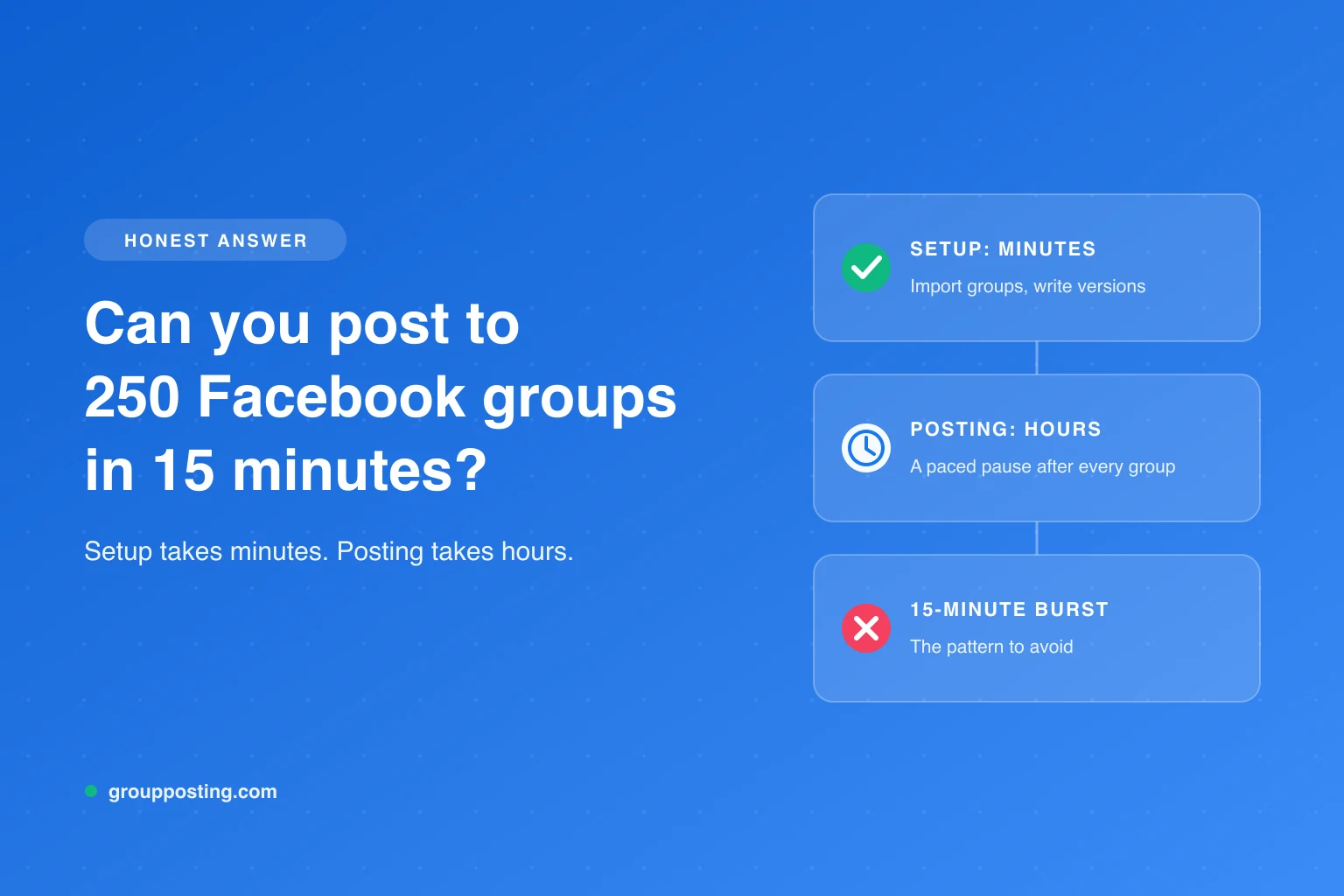
Posting to 250 Facebook groups is a workload question, not a 15-minute publishing promise. You might prepare a saved campaign quickly when the research and content are already done. The actual run proceeds through destinations and can take hours, followed by approval checks and replies.
The historical URL mentions 15 minutes and a doubled business. No verified customer or revenue evidence is presented here. This guide preserves that URL while answering the useful question: how do you estimate the work, choose a manageable scope and verify the outcome? Every number below is labelled as arithmetic or a hypothetical assumption. Reviewed October 3, 2026.
Separate four kinds of time
| Time category | Work included | Can it happen before the run? |
|---|---|---|
| Preparation | Finding relevant groups, checking rules and permissions, adapting copy and media | Yes; this is often the hidden work behind a short setup claim. |
| Hands-on setup | Selecting the prepared collection, reviewing the post, choosing settings and saving a run/schedule | Yes, if the earlier preparation exists. |
| Elapsed execution | Post attempts, gaps, pauses, interruptions and any required inspection | No; it begins when the run starts. |
| Outcome and follow-up | Admin approval checks, uncertain results, comments, enquiries and lead records | No; reserve availability after submissions. |
A claim that setup took 15 minutes leaves three other categories unanswered. Automation can reduce repeated typing without making research, moderation or customer follow-up disappear. Use hands-on time and elapsed time as separate columns in your plan.
The arithmetic behind “250 in 15 minutes”
Fifteen minutes is 900 seconds. Dividing 900 by 250 gives an average budget of 3.6 seconds per destination, including all work if the claim is about the whole campaign. This arithmetic does not prove a tool achieved it, that Facebook accepts it or that any of the posts became public.
Meta’s April 2025 explanation of spam enforcement discusses reducing distribution for spammy behaviour and coordinated attempts to game engagement. It does not specify a certified group-posting delay or a 250-group allowance. Do not convert a timing calculation into a platform permission.
Group rules also matter before timing does. If promotion is prohibited, the group should not be in your campaign. If the group requires approval, the time of your submission and the time of public visibility are different. A large destination list is not evidence of a large reachable audience.
Estimate a sequential run with a simple formula
For a planning estimate, use:
Elapsed run time = N × attempt time + (N − 1) × gap + interruption time
Here, N is the number of attempted destinations. There are N − 1 between-post gaps if you do not include a pause before the first or after the last. Add setup separately. This simplified model assumes sequential work; real gaps and attempt times can vary, and approval waiting is a separate outcome timeline.
Hypothetical assumptions: use 20 seconds per attempt and a two-minute gap only to illustrate the maths. These are neither a measured Group Posting benchmark nor recommended settings nor a Facebook safety standard. Replace them with observed durations and the actual configured run behaviour.
| Destinations | Attempt time | Between-post gaps | Illustrative total |
|---|---|---|---|
| 30 | 10 minutes | 29 × 2 minutes = 58 minutes | 1 hour 8 minutes |
| 50 | 16 minutes 40 seconds | 49 × 2 minutes = 98 minutes | 1 hour 54 minutes 40 seconds |
| 100 | 33 minutes 20 seconds | 99 × 2 minutes = 198 minutes | 3 hours 51 minutes 20 seconds |
| 250 | 1 hour 23 minutes 20 seconds | 249 × 2 minutes = 498 minutes | 9 hours 41 minutes 20 seconds |
If hands-on setup is assumed to take 15 minutes, the 250-destination illustration totals 9 hours 56 minutes 20 seconds before interruptions and follow-up. A night pause, sleeping computer, expired login, existing run or required investigation can add time. Randomised or adaptive gaps can change the total, so avoid presenting this as an exact completion forecast.
Plan fewer, better destinations before planning 250
Review every destination against the offer. A local service needs relevant geography; a B2B offer needs the right role and business context; an affiliate promotion needs disclosure and permission. Remove duplicates in the collection, groups with rules you cannot satisfy, and destinations you cannot reasonably support with replies.
| Question | Record | Decision |
|---|---|---|
| Does this audience need the offer? | Topic, geography, language and specific relevance | Keep only a meaningful fit. |
| Is the contribution permitted? | Rules and any promotion/link conditions | Remove it if the planned contribution is prohibited. |
| Can this identity participate? | Profile or Page, membership/participant status | Resolve permissions before including it. |
| Does the format work here? | Text, link or media plus the selected engine | Adapt or exclude the destination. |
| Has the same offer already been submitted? | Last confirmed, pending or uncertain outcome | Inspect the existing attempt before another. |
| Who will answer? | Owner and availability | Limit the scope to what can be served. |
Meta’s joining guidance distinguishes private-group participation approval and notes that admins may not allow Pages. The official indexed text was available during this review, while direct retrieval returned a login page. Check the actual destination rather than assuming a saved group or join request proves posting permission.
There is no reason this review must finish with 250 groups. The useful output is a relevant, permitted destination set that fits your service capacity. The bulk posting planning guide covers collection design, and posting limits explained separates product controls from platform rules.
Prepare a Group Posting run with the real operating requirements
Group Posting uses Direct API requests to Facebook’s internal web GraphQL endpoints or Classic DOM through the visible composer. Both use your existing logged-in browser session. Supported formats depend on mode and permissions. The current engine and scheduler documentation describes those boundaries.
- Import the groups you have joined, then build a relevant collection using the worksheet.
- Prepare reviewed copy for each audience segment. Spintax and Pro AI variations can help with wording, but relevance needs substantive adaptation.
- Select the permitted profile or managed Page, the appropriate format and the posting mode.
- Review pacing, night settings, optional warm-up and the time you can keep the environment available.
- Post now or save a schedule supported by your plan. Check the collection and content again before starting.
- Keep the computer awake and online, Chrome running, the extension enabled and Facebook signed in for the entire run.
- Review Activity and the actual destinations. Hold uncertain and approval-pending outcomes apart from confirmed published posts.
Lite permits five composer group-posts per day. Plus and Pro remove that product daily cap, while permissions, formats, approval and Facebook limits still apply. Plus includes simple schedules; Pro adds campaigns and advanced scheduling. “Unlimited” is a product billing boundary, not a platform-approved number. See current pricing before choosing a plan.
Reserve time for replies and approval checks
Consider a hypothetical support budget: if 20 people start relevant conversations and each takes six minutes of initial handling, that is two hours of follow-up. This is an illustration, not an expected response rate. Your scope should depend on the time you can actually provide, not an assumed volume of replies.
Use four outcome categories: confirmed published, submitted/pending, definite failure and uncertain. A queue completing its attempts does not mean every post is public. For pending posts, check the group’s approval process. For uncertain results, inspect before retrying. For an account warning or restriction, stop and follow the platform’s instructions rather than changing settings to continue.
No tool can promise zero risk. A delay in the example table cannot certify an account outcome. Pacing, optional warm-up and other product controls organise activity, but they do not replace rules, relevance or careful inspection.
Replace the speed claim with a usable campaign plan
Write down the relevant destination count, preparation hours, hands-on setup, observed attempt duration, configured gaps, availability window and follow-up owner. Use the formula as an estimate and leave interruptions explicit. After the run, compare planned and actual times without treating submitted posts as customers.
Start with the multiple-group walkthrough for the mechanics. If a small relevant collection works operationally, expand only where you can maintain permission, content fit and response capacity. Revenue belongs in a separate measured business-outcome record; it cannot be inferred from a faster setup or a larger queue.
Questions about a 250-group campaign
Can a 250-group campaign be set up in 15 minutes?
Possibly, if the groups, permissions and reviewed content are already prepared, but that is a setup assumption rather than a tested result. Researching the groups, running the queue, checking approvals and answering replies take additional time.
How long does posting to 250 Facebook groups take?
Calculate it from the number of destinations, time per attempt, gaps and interruptions. In this guide’s hypothetical example, 250 attempts at 20 seconds each plus 249 two-minute gaps take 9 hours 41 minutes 20 seconds before setup or interruptions. The values illustrate workload, not recommended settings.
Does a slower run make 250 groups acceptable for any account?
No tool can promise zero risk. The target count and delay are not a certified Facebook allowance. Group rules, relevance, permissions, post formats, admin approval and account restrictions still apply; remove unsuitable destinations rather than treating a larger count as a goal.
Does this article document a business doubling its revenue?
No. The historical URL is retained for continuity, but the guide contains a transparent workload scenario rather than a verified customer case study. No revenue increase, conversion rate or customer outcome is established here.
What should I do with a pending or uncertain post?
Keep pending approval separate from confirmed publication. If the outcome is uncertain, inspect the destination and Activity before another send. Do not resend merely because the post is absent from your first view.
Explore the complete guide: Post to multiple groups.
For the group-publishing part of your workflow, explore the group auto-poster and scheduler, or compare plans on Group Posting pricing.